How Mail Merge Can Supercharge Your Outreach
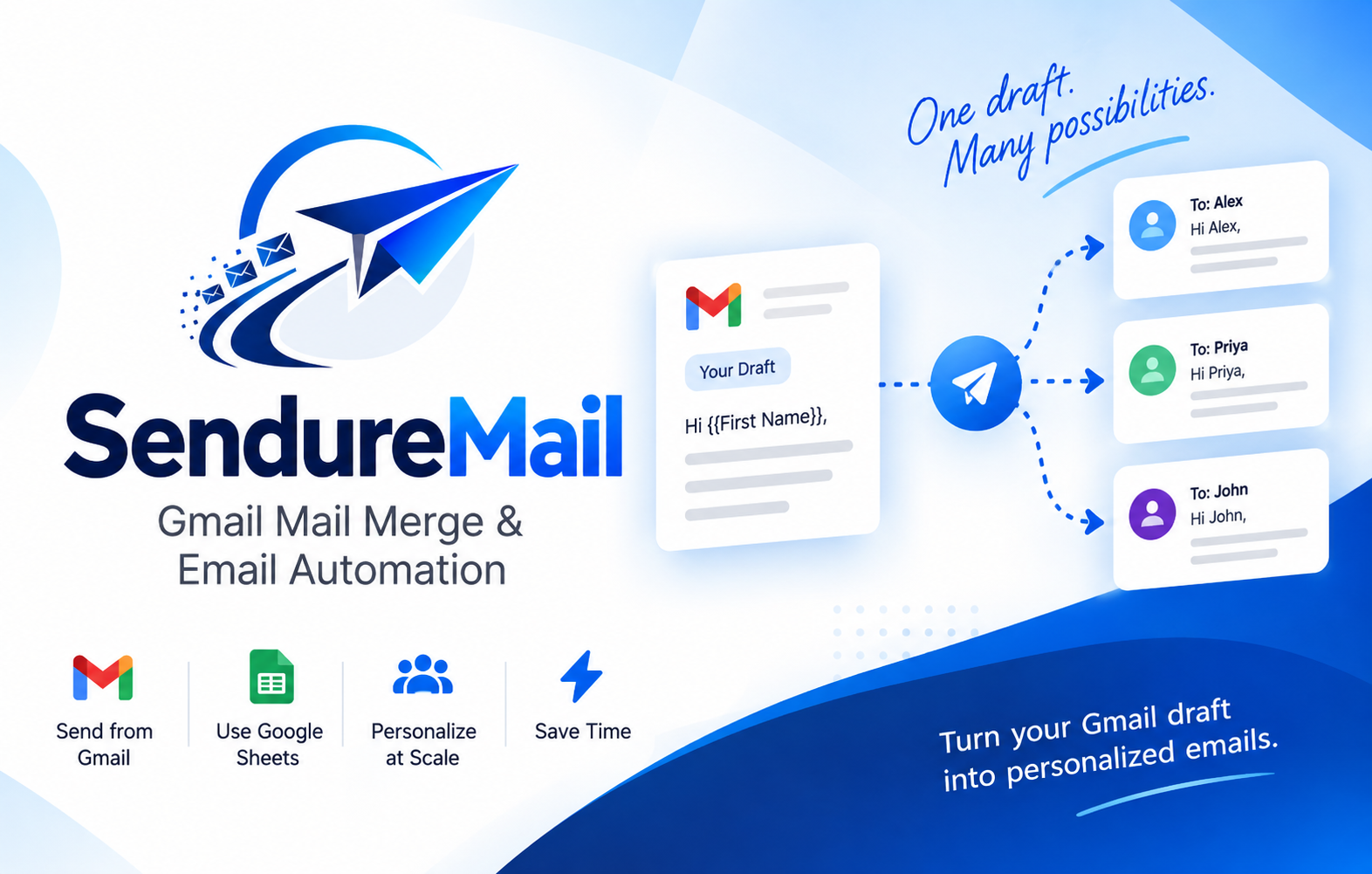
Most people ignore generic emails within seconds. A message that opens with "Dear Customer" feels like it was sent to a thousand strangers, because it probably was. Mail merge fixes this by letting you send personalized emails at scale without writing each one by hand.
What Is Mail Merge?
Mail merge combines a single email template with a data source, such as a spreadsheet or CRM export, to produce individualized messages. Placeholders in your template are swapped for each recipient's details at send time.
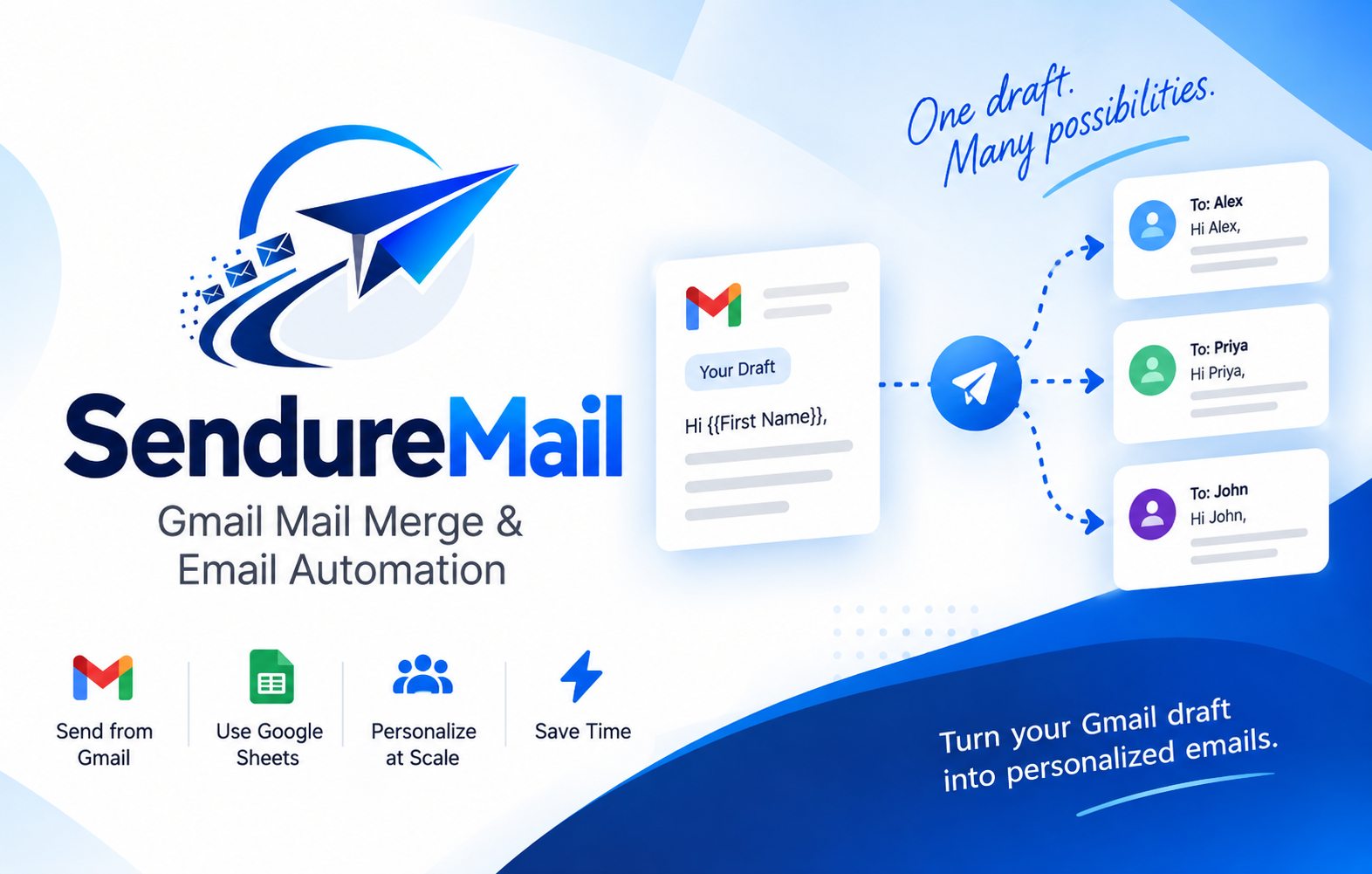
For example, this template:
Hi {{first_name}}, I noticed {{company}} recently expanded into {{city}}. Congratulations!
becomes this for one recipient:
Hi Priya, I noticed Acme Corp recently expanded into Pune. Congratulations!
Why Mail Merge Boosts Outreach
1. Higher open rates
Personalized subject lines get noticed. Including a name, company, or relevant detail makes the email feel intentional rather than automated.
2. Better reply rates
People respond to messages that feel written for them. Referencing something specific signals that you did your homework.
3. Massive time savings
Writing 200 emails manually might take a full day. With mail merge, it takes minutes, and you can spend the saved time on follow-ups and strategy.
4. Consistency and fewer errors
A single reviewed template means no copy-paste mistakes, inconsistent tone, or forgotten details.
5. Easy A/B testing
Because everything runs from one template, you can test two subject lines or call-to-actions across segments and see what works.
How to Set Up a Mail Merge
Prepare your data. Create a spreadsheet with clean columns:
first_name,company,role,city, and so on.Write your template. Keep it short and conversational, and add placeholders where personalization matters.
Add fallback values. If a field is empty, use a default like "there" instead of leaving a blank.
Send a test. Email yourself first and check that every placeholder renders correctly.
Send in batches. Spread sends over time to protect your sender reputation.
Track and follow up. Monitor opens and replies, then send tailored follow-ups.
Best Practices
Go beyond the first name. Mention a company, role, recent event, or shared connection.
Segment your list. One template for founders and another for marketers will outperform a single template for everyone.
Keep it human. Personalization should support a genuine message, not replace one.
Respect privacy and consent. Follow regulations such as GDPR and include an easy unsubscribe option.
Common Mistakes to Avoid
MistakeWhy it hurtsFixMissing or wrong data"Hi {{first_name}}" damages credibilityClean your data and send a testOver-personalizationFeels creepy or forcedUse only relevant detailsSending too fastTriggers spam filtersSend in smaller batchesNo clear call to actionRecipients don't know what to doEnd with one specific ask
A Simple Template to Try
Subject: Quick idea for {{company}}

Hi {{first_name}},

I came across {{company}} while researching {{industry}} teams in {{city}}.
We help businesses like yours improve their outreach with less effort.

Would you be open to a 15-minute chat this week?

Best,
Your Name
Final Thoughts
Mail merge isn't about sending more emails. It's about sending more relevant ones. When you combine clean data, thoughtful templates, and genuine personalization, you turn cold outreach into warm conversations, and that's where results come from.
Ready to send smarter?
Start free — 40 emails a day for 30 days. No credit card required.